Introduction
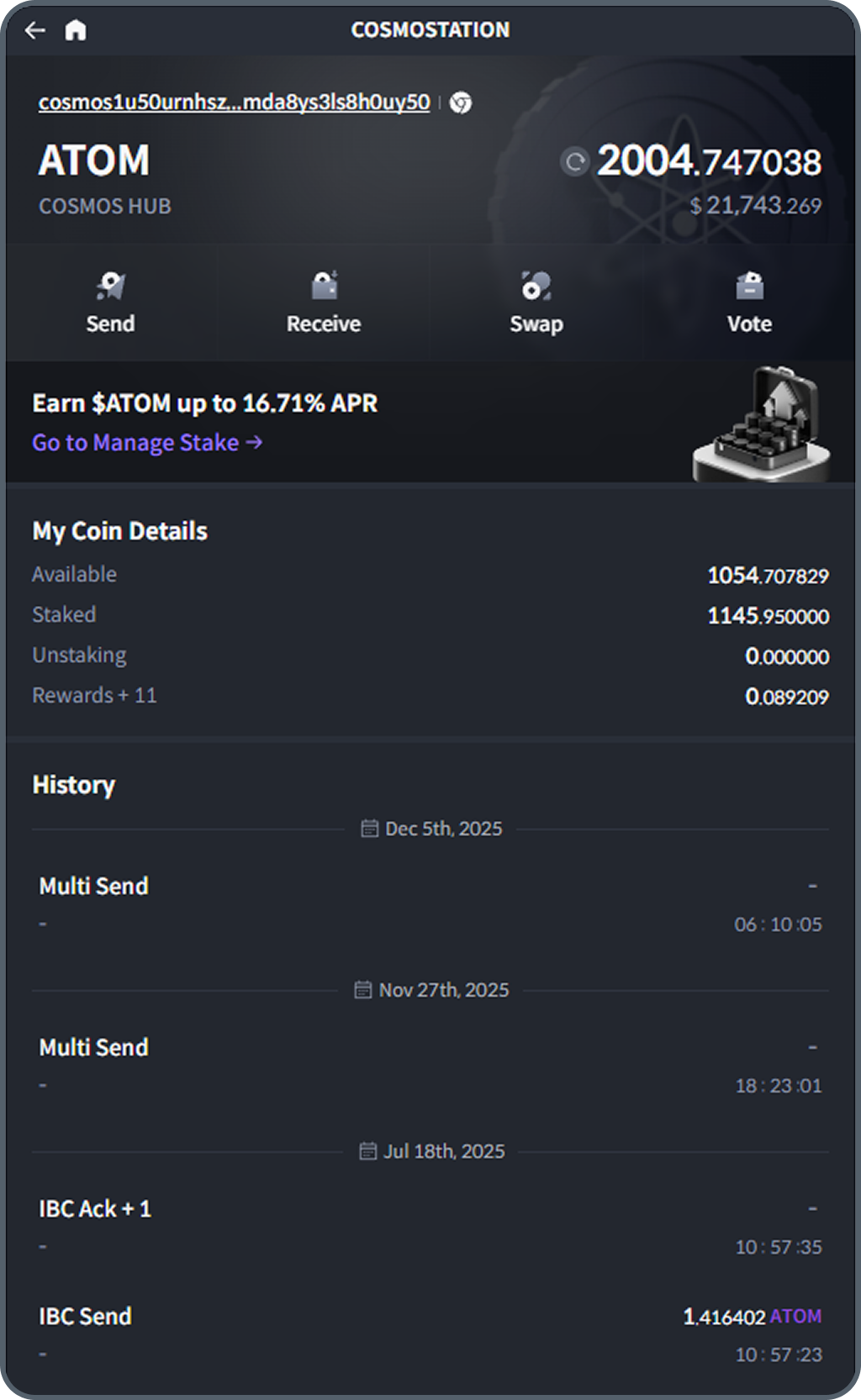
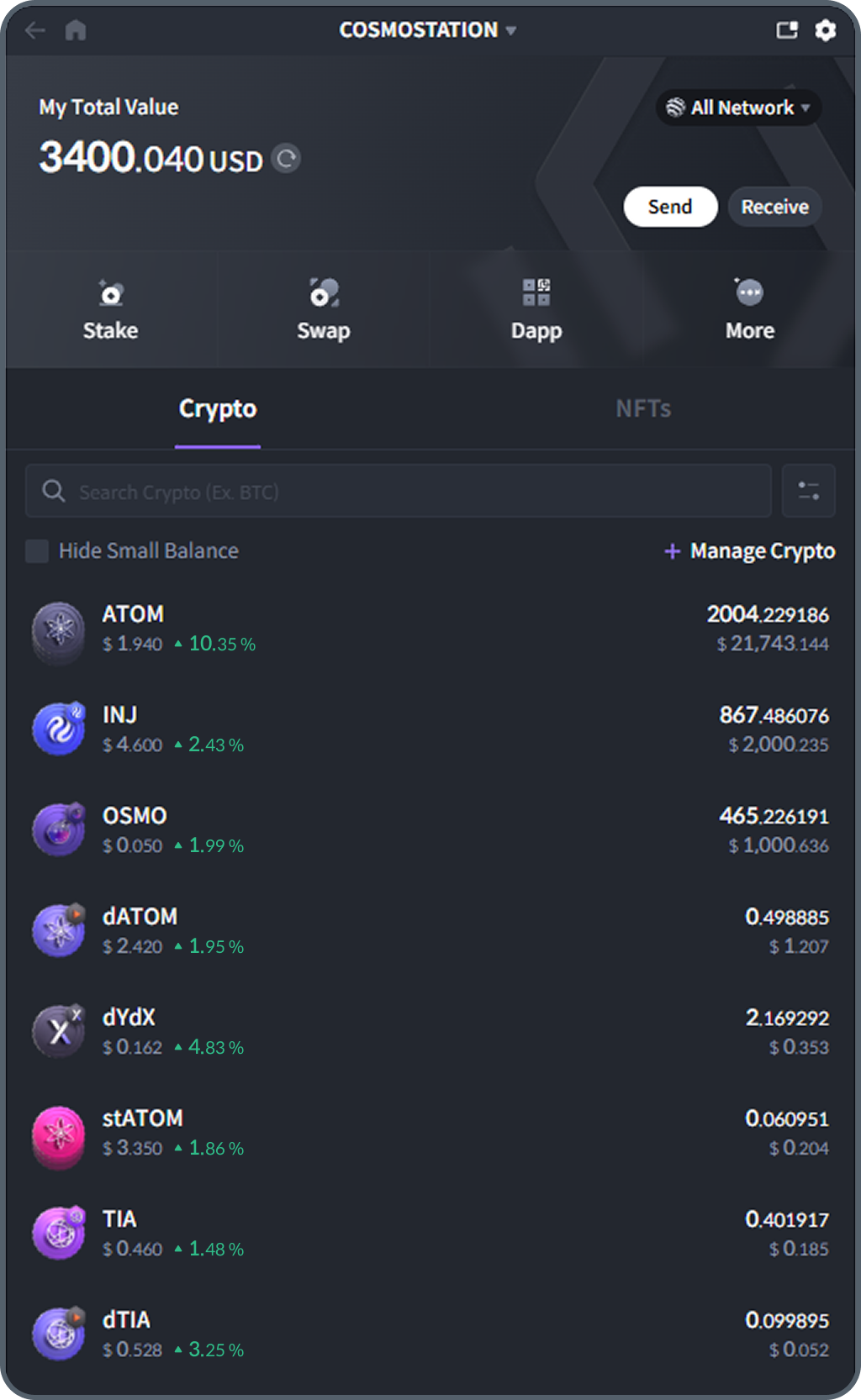
This document is the official developer guide for integrating with the Cosmostation Wallet Extension.
It is intended for dApp developers as well as any web or application builders who require wallet
connectivity in their service.
Since the Cosmostation Extension supports multiple sovereign networks and inter-chain environments, the integration methods vary by network.
For clarity, this guide is organized by network, so you can quickly reference only the sections relevant to your implementation.
Across all supported networks, the general integration flow follows: Provider → Connect → Sign → Event Handling.
Details and available features may differ depending on the network's architecture.
Networks that support standard wallet adapters are documented through those adapters, while others (e.g., Cosmos, Ethereum) are explained using the specific libraries and integration patterns commonly used in production.
When reading this guide, please begin by locating the section for the network you plan to integrate.
To install the Cosmostation Wallet Extension, download it from the Chrome Web Store (opens in a new tab).